
Open any app you loved three years ago. Now open one built this year.
You’ll feel the difference before you can name it. Something is lighter. Smarter. It seems to know what you want before you ask. That feeling isn’t accidental; it’s designed.
Here’s the quiet truth about UI/UX in 2026: the best interfaces are becoming invisible. Not because designers stopped caring, but because they started caring about different things. Less decoration. More intention. Less clicking. More understanding.
And underneath that shift, a handful of trends are doing the heavy lifting.
Interfaces That Think, Not Just Display
For years, apps gave everyone the same screen. Beginner or expert, rushed or leisurely, the interface didn’t care. You adapted to it.
That relationship is flipping.
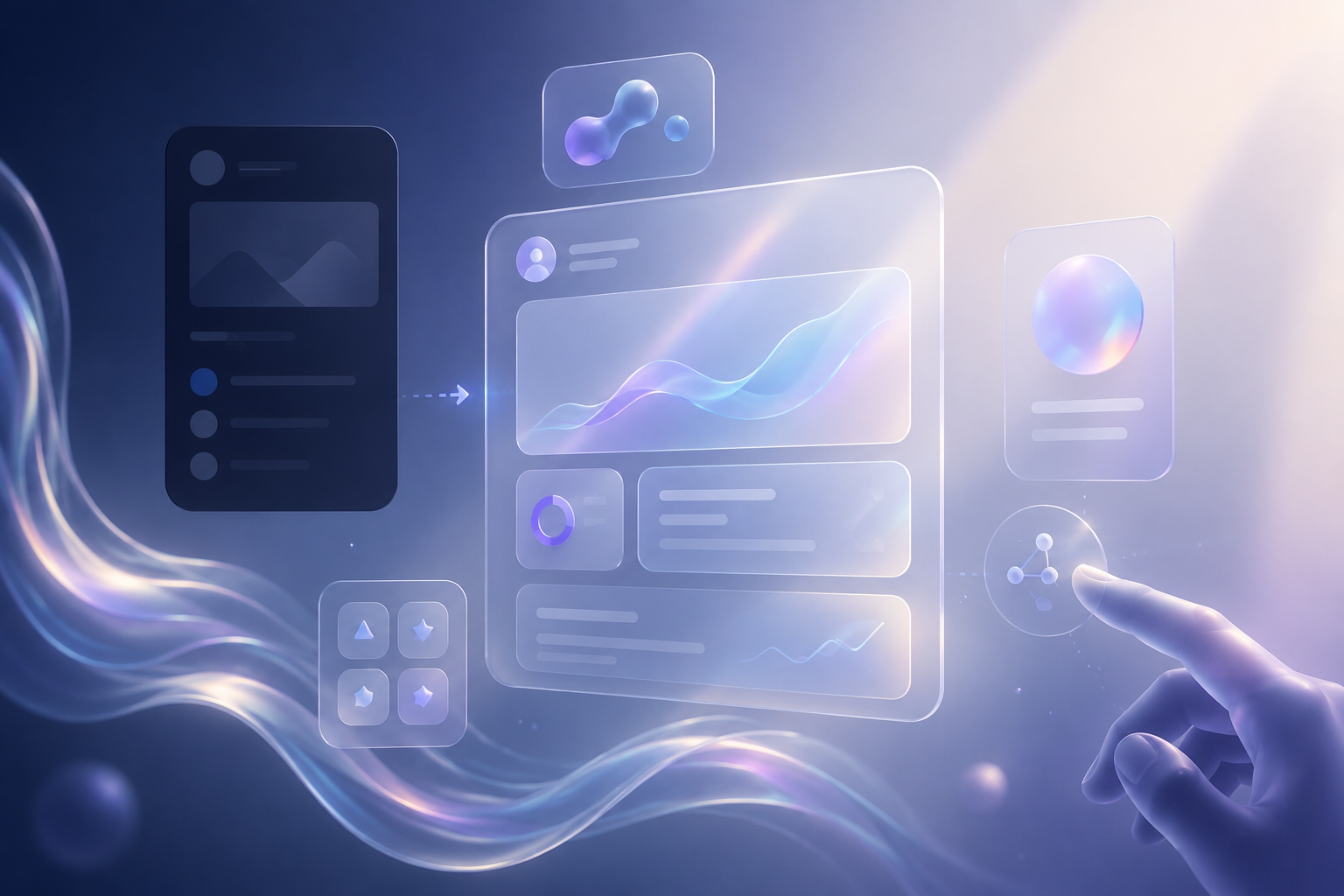
Generative UI uses AI to rebuild the interface in real time based on exactly what the user is trying to do at that moment, focusing on intent rather than a fixed path, making the software feel custom-built for every individual user. A beginner sees simplified tools. An expert gets advanced features surfaced automatically. Someone in a hurry gets a condensed view. No settings. No manual toggles. The UI reads the room.
Designers in 2026 are no longer creating fixed interfaces; there’s a major transformation happening where products are designed for intent, not for funnels or customer journeys.
“The screen is no longer a map you navigate. It’s a conversation you’re in.”
Glass Is Back And This Time It Has Depth
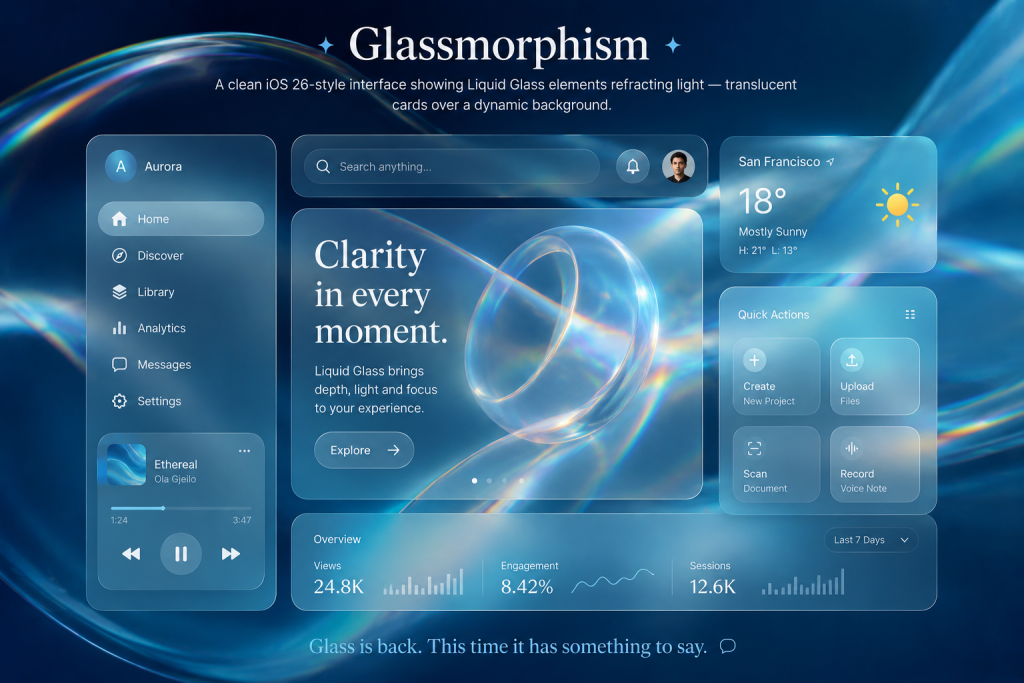
Remember glassmorphism? The frosted, translucent look that peaked around 2021, then quietly faded?
It’s back. Sharper. More deliberate.
The introduction of Liquid Glass in iOS 26 marks a major shift: interfaces are no longer static layers but living materials. Liquid Glass responds to context, light, motion, and interaction, distorting and refracting like a physical element without fully becoming skeuomorphic.
The UX/UI trend for translucent, glass-like interfaces has returned to the spotlight, especially after Apple’s 2025 redesign made this style central to its visual system.
The difference from the first wave? 2021 glassmorphism was aesthetic. 2026’s version is contextual, the depth and transparency shift based on what the user is doing. It communicates hierarchy, not just style.
Motion That Means Something
Animation in design had a rough decade. Overused, overdone, every button bounced, every page paralaxed, every transition sparkled. Users got fatigued. Designers got warned.
In 2026, motion is earning its place back, but only when it earns it.
Motion in 2026 guides rather than flashes, UX clarity now has aesthetic value, with designers embracing grids as foreground elements, wireframe logic brought into final UIs, and a return to monospaced typography to align visual rhythm with data logic.
The new rule: every animation should communicate something, a state change, a system response, a hierarchy. If it doesn’t explain anything, it shouldn’t exist.
One of the most important UI design trends of 2026 isn’t about adding motion; it’s about giving users a way to say “stop,” with motion control becoming a core accessibility and design consideration.
AI That Sits Beside You, Not In Front of You
The worst AI interfaces of recent years shared one flaw: they hijacked the experience. Chatbots that replaced navigation. Assistants who took over the screen. AI that answered before you finished asking.
2026 is correcting that.
One of the most important UI design trends of 2026 is a shift away from AI as an all-knowing autopilot and toward AI as a thoughtful copilot, present, optional, and respectful of human context.
In 2026, AI won’t live behind a button; it will quietly live inside the UI as an ambient layer, invisible unless needed, reducing cognitive load and shifting the focus from talking to AI to getting work done faster.
The design principle behind this is elegant: AI belongs in the sidebars, overlays, and collapsible panels. .
“AI serves best when it augments, not when it takes over.”
The Aesthetic Moment: Bento Grids & Kinetic Type
Not every 2026 trend is philosophical. Some are just visually right for the moment.
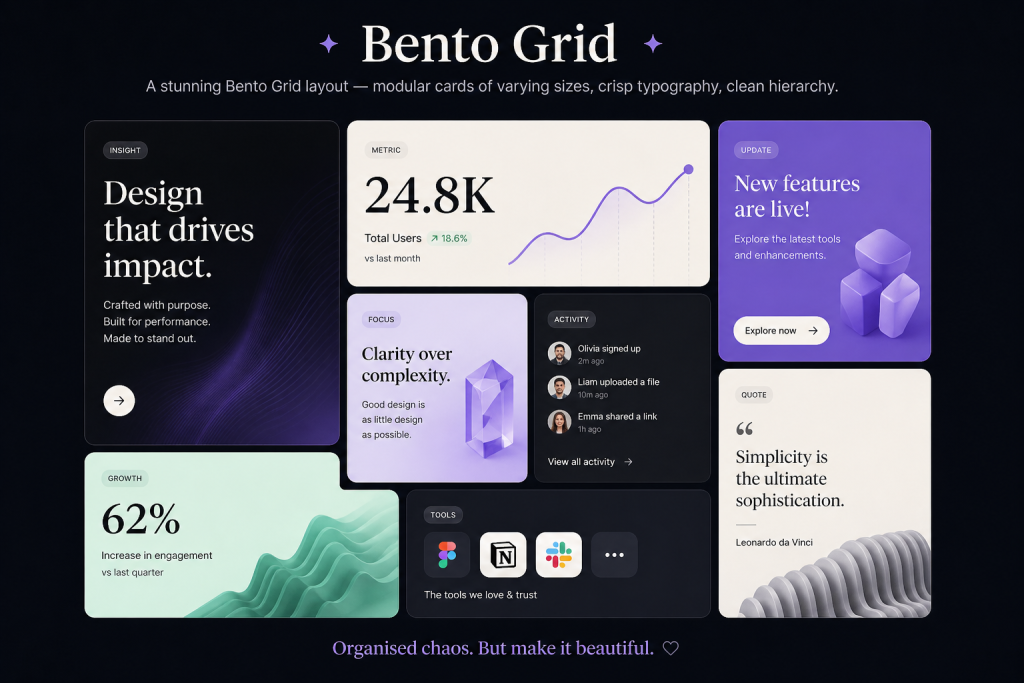
The Bento Grid, a modular layout where content is arranged in blocks of different sizes and shapes, similar to a Japanese bento lunchbox, remains a major UI/UX design trend in 2026, helping visually organise large amounts of information while creating a dynamic rhythm on a page.
And the text is moving. Kinetic typography means headlines that stretch, bounce, or liquify as you scroll, moving text that reacts to the user’s interaction, making even functional copy feel alive.
These aren’t gimmicks. In a world of infinite content and shrinking attention spans, a screen that moves with you keeps you longer and leaves an impression.
What This All Adds Up To
Step back, and the picture is clear.
Surface-level design won’t be enough to stay competitive, as AI-powered design tools improve, anyone will be able to make a decent-looking UI, making depth, judgment, and user understanding the real differentiators.
The trends of 2026 aren’t about chasing aesthetics. They’re about earning the user’s attention through interfaces that adapt, communicate clearly, respect boundaries, and occasionally surprise.
The best design isn’t seen. It’s felt.
That line has always been true. In 2026, the tools to act on it are finally catching up.
